

Position Grading Requests Have Moved!
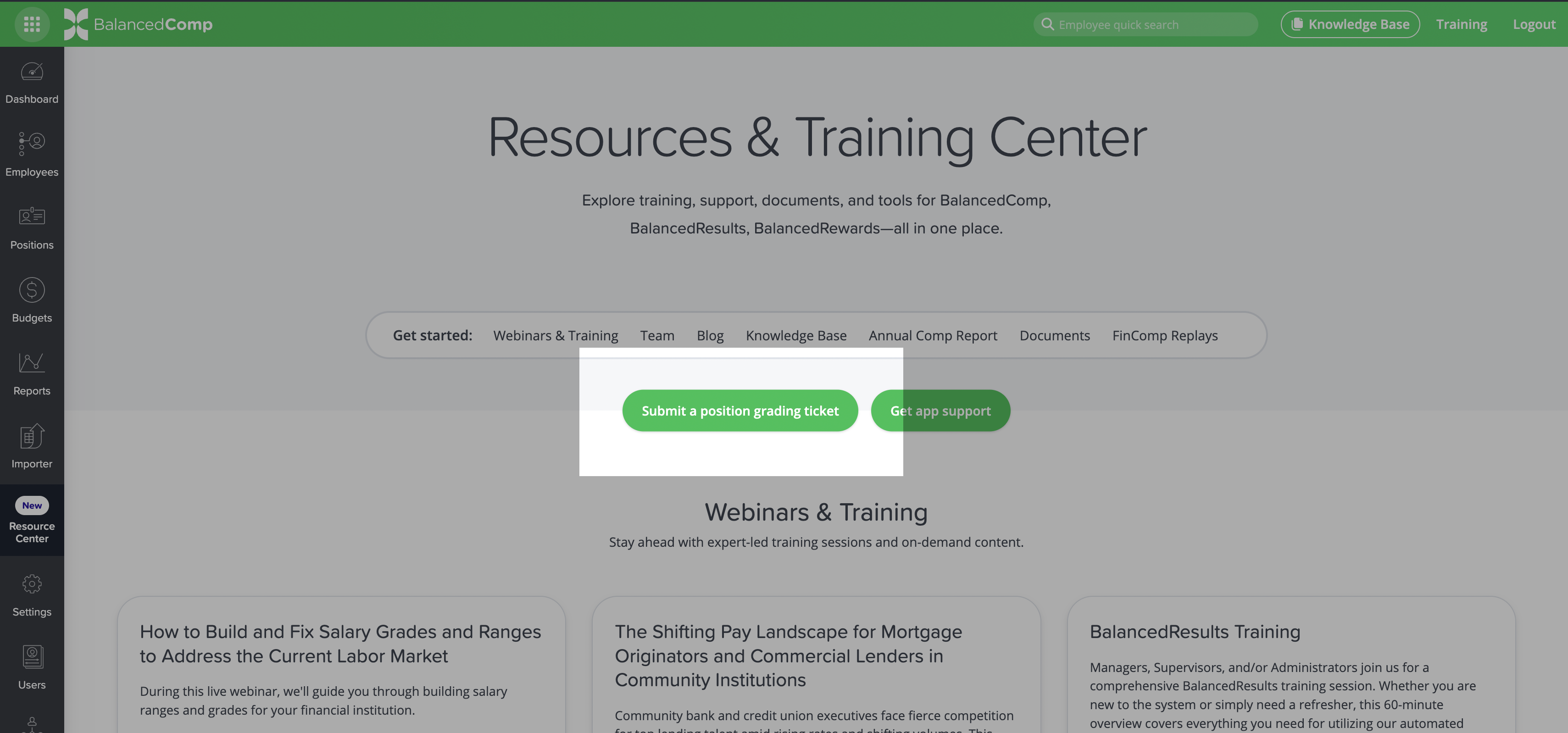
We’ve made submitting position grading requests easier! You can now submit requests directly through the Resource Center in your BalancedComp application.
This updated process saves you time by reducing the information you need to enter and makes it easy to track how many position grading requests you’ve submitted and how many you have remaining for the year.
How to Submit a Request
- Log in to your BalancedComp application.
- Select Resource Center from the left-hand navigation.
- Click Submit a Position Grading Ticket to get started.
Meet our Team
Chief Executive Officer
Chief Consultant
Senior Executive Consultant
Senior Compensation and Performance Management Consultant
Compensation Director
Consultant
Consultant